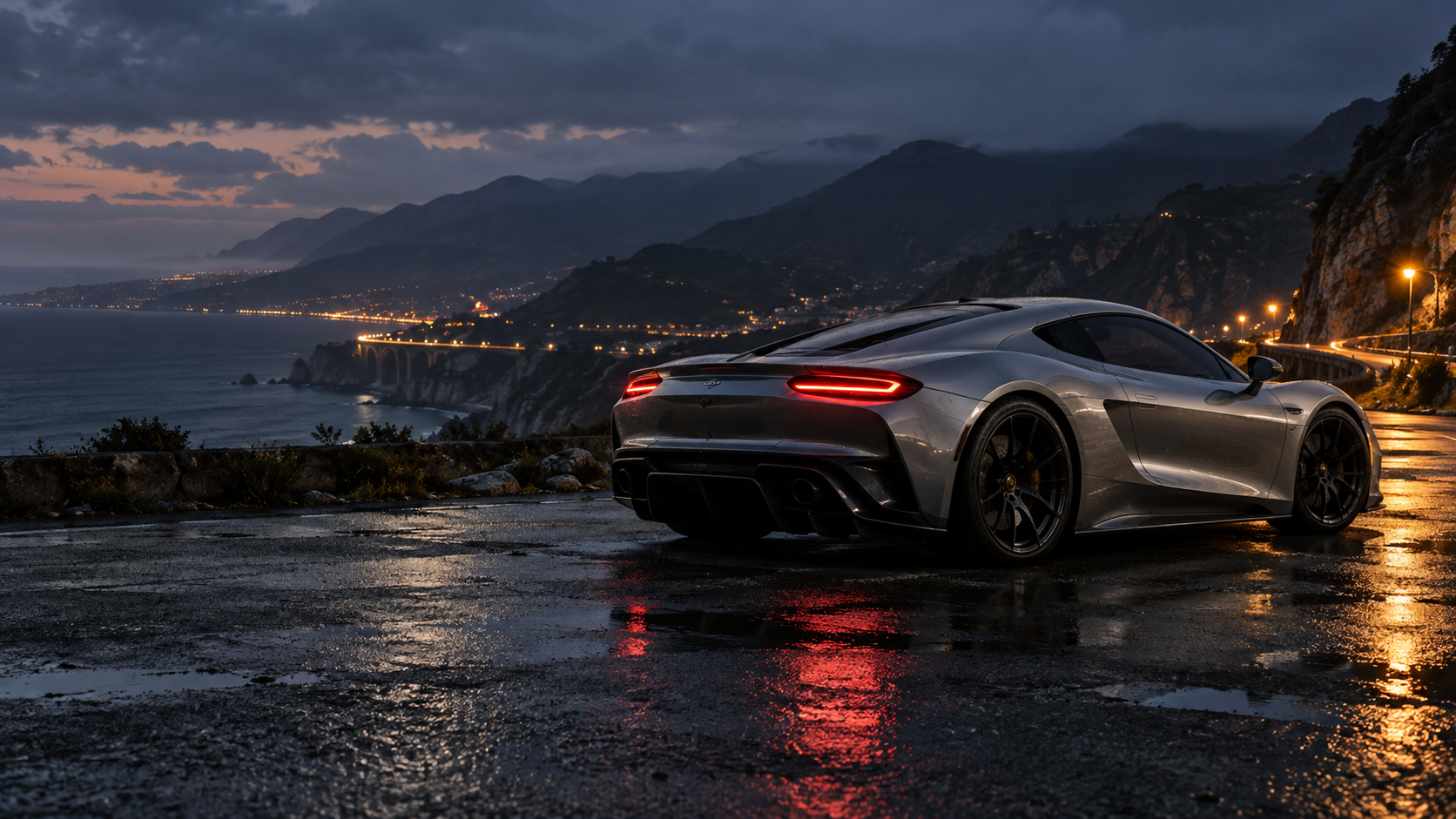
BALANCED PERFORMANCE
Press N for nitro
or tap Boost
NITRO GATE 01 / 12
2,630 ftCHOOSE YOUR ANSWER GATE
Round to the nearest hundred.
DRIVE THROUGH YOUR ANSWERHold S / ↓ to brake and think
EVENT COMPLETE
Race complete
Review missed gates
STARTING GRID
3Hold W / ↑ or GAS to rev. Wait for green.
Your briefing
The cars line up at rest for a 3–2–1–GO countdown. Hold W/↑ or Gas to rev the engine; the race clock and cars start at GO. Tire smoke trails the cars as they launch. Hold A/D or ←/→ to steer. Steering reacts quickly; release the direction key to settle the car, or countersteer to change direction. W/↑ accelerates; S/↓ brakes. Hold Space while steering to drift; release it to let the tires regain grip. Brake before sharp bends for a tighter line. Auto throttle starts off. It holds the accelerator when you enable it; steer through the bends. Touch controls work the same way; 1–3 or the answer buttons steer toward a gate.
Drive through the correctly rounded answer to earn one nitro charge. Press N or Boost to use a charge. Wrong answers and missed gates give no nitro, but the race continues. Dodge civilian traffic between gates. Collisions add damage while you keep driving, with a small speed loss or nudge. Watch the Damage meter: at 100%, the car stops for a quick 1.5-second repair, then automatically rolls back into the race with brief collision protection. Dents, scraped paint, and fractured windows stay visible until that repair finishes. Returning to the garage or starting a new race also repairs the car. Race seven drivers and follow the live race order. Finish ahead of your rivals. Gates are about half a mile apart, with a 6.18-mile route to explore. The minimap shows your position, your rivals, and the next nitro gate.
Find the rounding place. Look one digit to its right: 0–4, keep it. 5–9, raise it. Replace later whole-number digits with zeros, or drop extra decimal digits.
Practice removes rivals and traffic and lowers the speed. Brake to stop and think, or press P to pause. Choose from six sports cars and a race truck, all tuned for over 200 MPH in Street race. Customize their paint in the garage. Your colors are saved on this device. Sound starts off. Enable Sound for recorded engine and boost sounds, gear changes, tire slip, and metal-and-glass crash effects. Adjust volume here or while paused. Completed street races automatically join this browser’s records. You can add a made-up nickname with Save nickname. Use the Device leaderboard button beside Enter race to compare your times; filter by route, rounding level, or car. Each setup retains its fastest 10 runs, ranked by time, then points and accuracy. A shared browser shares these records. They do not transfer to other devices, and clearing browser data removes them. After a new completed street race, you can separately choose Post worldwide to share that run with everyone using a fun nickname. Worldwide leaderboard shows matching route, rounding level, and car settings. Old device records are never uploaded automatically. Less motion removes camera sway, weather movement, tire smoke, and flying glass. Dents and cracked windows remain visible; gates still approach so you can drive through them.
Graphics credits ↗ Sound credits ↗Preparing the driving scene…